
ADA P1 Bridge – when you already have a P1 reader but need the HMKE.APP support
Many people today already use some type of P1 meter (an existing DSMR/P1 reader) that can output the electricity meter data to the local network. Here comes the classic scenario: the hardware is there, the data is coming in, but you want to use it smarter – in the cloud, Home Assistant, MQTT, Grafana, or in the HMKE.APP / hmke.app system.
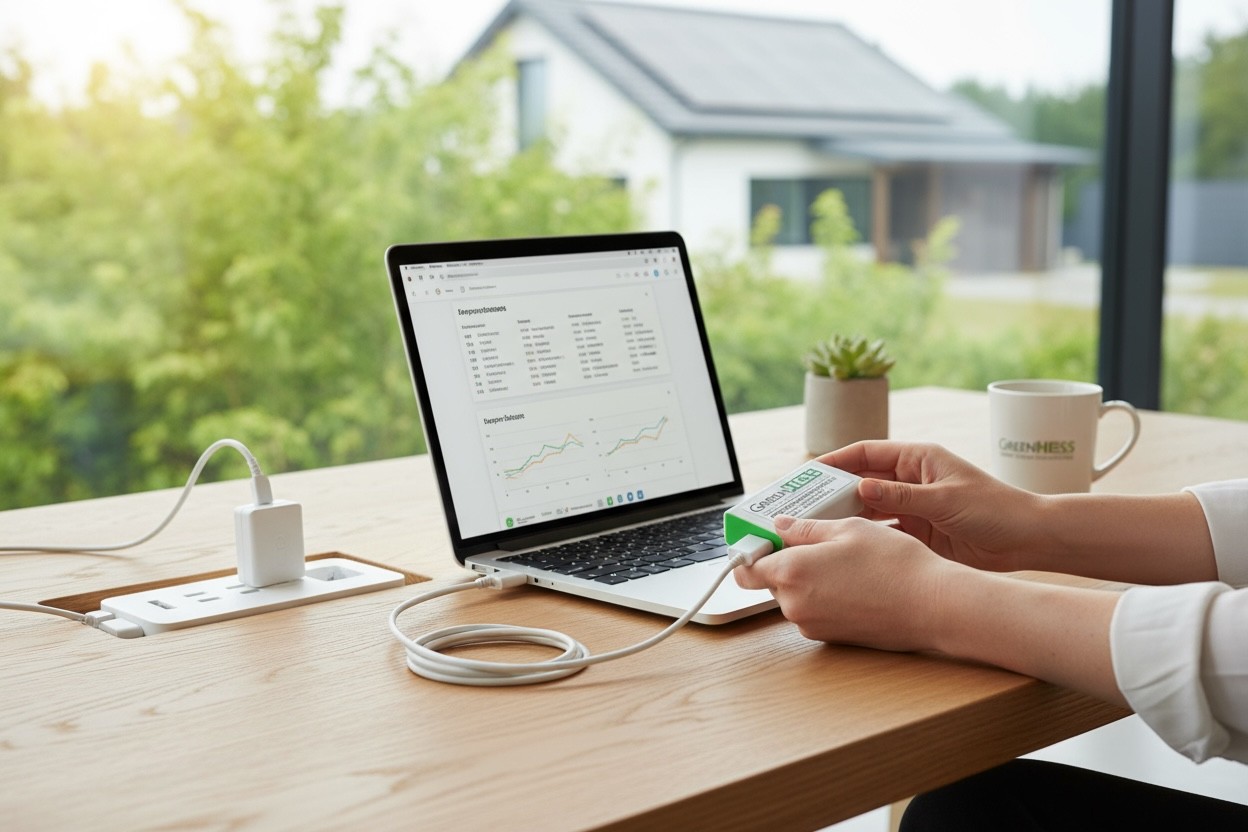
For this, we created the ADA P1 Bridge: a small Wi-Fi “bridge” that receives the telegram output of any P1 device that delivers data via HTTP GET on a URL, and forwards it where you want.
The most important extra: the Bridge software is essentially the same as the ADA P1 Meter software. You get the same OBIS processing, the same sensor structure, and the same outputs – only the input is different. This means that if your compatible P1 reader already “extracts” the telegram from the meter, the ADA P1 Bridge can process it just as if it directly read the electricity meter.
Who is it for?
ADA P1 Bridge is your thing if:
✅ you already have a P1 reader (HomeWizard, Youless, etc.),
✅ you don’t want to buy new hardware, just want to "upgrade" what you already have,
✅ you need GreenHESS cloud / HMKE.APP / hmke.app, or Home Assistant / MQTT integration,
✅ you want the same software capabilities as ADA P1 Meter provides – just without a direct meter cable.
And when shouldn’t you choose this?
If you don’t have a P1 reader yet and want to read directly from the electricity meter → then ADA P1 Meter is the right way.
How does it work in practice?
The essence of the ADA P1 Bridge is very simple: reads from a URL, interprets OBIS, forwards data.
The steps:
You connect the ADA Bridge to Wi-Fi.
You open its own web interface.
You enter the local telegram URL of your P1 meter (typically accessible in many P1 readers via a path like:
/api/.../telegramor similar),You press the “Test” button → if it finds OBIS codes, it saves them.
From there, it fetches data every 10 seconds and sends it further to MQTT, cloud, Home Assistant, local JSON API.
In other words: your existing P1 device provides the “raw telegram”, and the ADA Bridge does everything that the ADA P1 Meter did before – only the input is different.
HMKE.APP features – yes, these are included too
Since the Bridge runs the same processing logic as the ADA P1 Meter, all HMKE.APP features are also available through the Bridge. So you don’t just get “raw data”, but the same complete interpreted and visualized package:
real-time consumption/production charts,
daily/weekly/monthly/yearly reports,
export/import statistics,
smart automation foundations (MQTT/HA),
and all extra indicators displayed in HMKE.APP.
Good news especially if your P1 device does not provide decimal precision phase current values: ADA Bridge still calculates the phase-specific values from the telegram, just like ADA P1 Meter. Meaning you get in the cloud and on local outputs:
phase-wise measured load/production,
instant calculated household consumption and inverter production,
and all derived fields used by HMKE.APP and the ADA ecosystem.
In practice: the Bridge is not a “dumbed down” version but a full ADA P1 Meter experience, only connected to your existing P1 reader.
What data do you get?
The Bridge extracts about 40 types of measurement/momentary data points from the telegram (consumption, supply, phase-specific parameters, reactive energy, etc.), and can forward them in multiple ways:
GreenHESS cloud / HMKE.APP / hmke.app
MQTT (for automations, own systems)
Home Assistant
Local JSON API (also for Grafana + InfluxDB setups)
Plus: it has its own webserver interface where you can locally check what the device sees.
Home Assistant integration – not just “sees” but also understands
HA integration is available from HACS, and what’s especially good: it can manage multiple ADA Bridges in one system, so if you have multiple meters/multiple locations, they won’t conflict.
If using in HA, then:
the data stays local on your network,
no mandatory cloud,
yet you get the ADA-style OBIS processing and sensor structure.
Setup in a few minutes
On first start:
the Bridge creates an “hmke.app” named AP,
password: 12345678,
you connect and then enter your own 2.4 GHz Wi-Fi and (if needed) user account at 192.168.4.1 in the browser.
If you make a mistake:
RESTART button for 5 sec → factory reset, you can start over.
Update?
OTA works automatically, updating on startup if a new version is available.
What’s in the box?
1× ADA P1 Bridge
1× USB power cable (1 m)
1× Hungarian manual
No USB power adapter included – works with any 5V USB power supply.
Why is this good? (a bit cheeky but honest)
I think the ADA P1 Bridge is a very strong product because it solves a very typical “I’m halfway there” problem:
“I have a P1 reader but don’t want platform lock. I have a P1 reader but need it for my own automation. I read the electricity meter but want HMKE.APP graphs/logs/extra indicators.”
And for this, you don’t say “throw it away, buy a new one”, but rather “okay, let’s give it a turbo boost”.
Quick mini-FAQ
Which P1 devices are compatible? Any that output the telegram via HTTP GET on a URL on the local network.
Is a cloud required? Not necessarily. It can work just locally via JSON/MQTT/HA. The cloud is an extra option.
How often does it update? By default, it fetches the telegram every 10 seconds.
Warranty? 1 year.