
Installer Now Available! ADA P1 Meter Manual Update Guide (v1.7.2)
It's okay if you don't update immediately, version 1.6.9 is still stable and usable. However, versions 1.7.0–1.7.2 come with so many new developments that for some devices with the previously purchased v1 mainboard, OTA updates (over the network) do not always complete reliably.
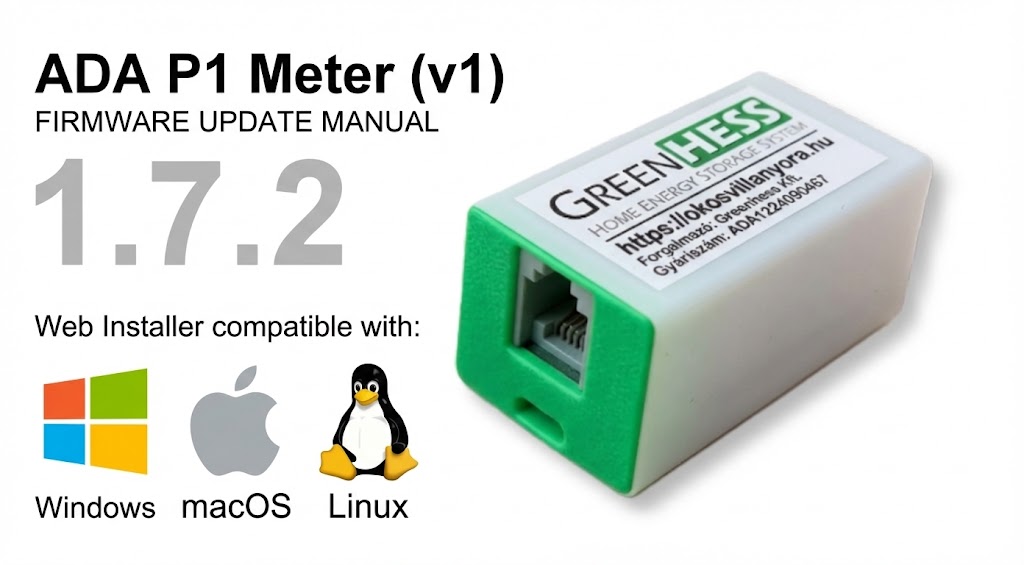
There is a solution, about 2 minutes: the new firmware can be installed with a one-time USB (manual) update, and after that the automatic OTA updates will work again.
⚠️ IMPORTANT: Do not reset the device! Your settings will be preserved even after the manual update.
Update Steps:
Download files: Download the hmke.app/manual/ADAUpdate.zip file and extract it into a folder on your computer.
Connection: Remove the device from the meter's P1 port and connect it to your computer's USB port.
USB connection: Check what kind of USB connector your device has (Type-C or MicroUSB).
The update will NOT work with a charging cable! So you will need a cable that is a data cable as well!Start program: Launch the
ADAUpdate.exefile (this will call the updater program).Installation and Test: The program will automatically upload the firmware, then wait a moment. At the end of the process, the console will display: "Done".
Reconnection: You can now reconnect the ADA P1 Meter to the electricity meter, the update is complete.
Web Installer
For MAC or LINUX, but you can also use the web installer below on Windows. No need to download an .exe file.
Steps:
- Disconnect the ADA P1 Meter from the meter and connect it to your computer’s USB port.
- Driver check: If your computer does not recognize the device, install the driver:
- Click the Start Update button below and select the USB device from the list.
Just press the NEXT button to keep your Wi-Fi and other settings.
After a successful installation, the device can be reconnected to the meter.