
What next after net metering? Get the most out of gross accounting!
In the post-net metering era, the goal is no longer to feed back as much electricity as possible to the grid, but rather to use as much as possible on-site when the solar panels generate. In gross accounting, imported and exported energy are calculated separately, so every kWh you use from your own production is a concrete saving. This requires three things: transparent measurement, smart timing and automation. The ADA P1 Meter and HMKE.APP help with this.
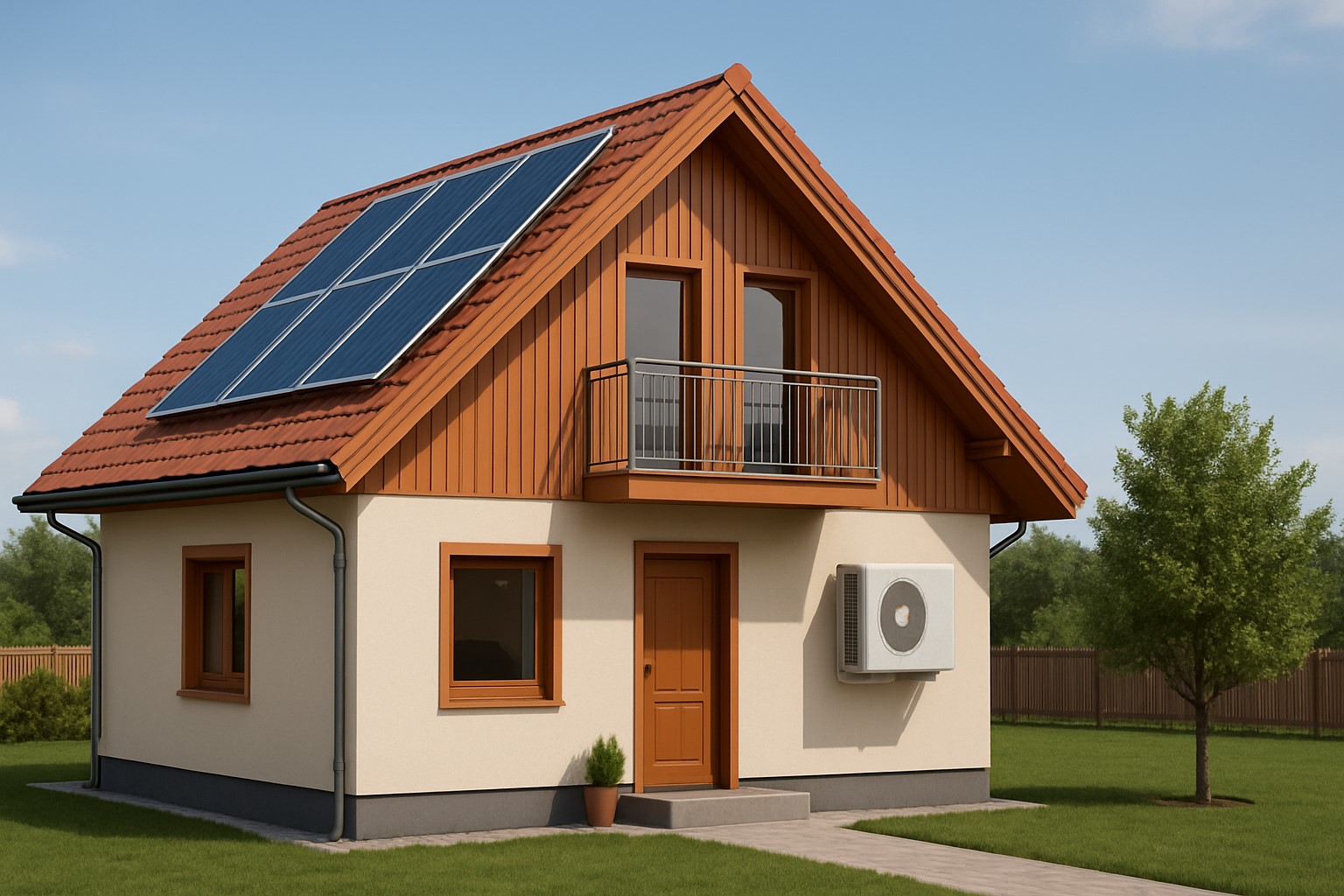
What has changed with gross accounting?
Energy fed back to the grid and energy taken from the grid no longer offset each other, but are priced separately.
Increasing the proportion of your own consumption matters more than ever: use what you generate during the day locally.
"Load shifting" and flexible consumption (boiler, washing machine, EV, heat pump, air conditioning) come to the forefront.
In short: measure in real time, time your usage to sunshine, and switch automatically when there is enough production.
Strategy #1 – Timing consumption to production
Smart timing is the simplest and fastest way to save. Some examples:
Boiler/domestic hot water: heating between 10:00–15:00, when PV production is typically high.
Washing machine, dishwasher, dryer: start in the morning to early afternoon.
EV charging: at low current (e.g. 6–8 A) trickled during the day.
Air conditioning/heating boost: daytime pre-heating/pre-cooling so that less energy is needed from the grid in the evening.
Pro tip: timer + smart plug or relay with consumption measurement; let real-time data start automation, not just the clock.
Strategy #2 – Cheap heat storage
Electric batteries are expensive, but heat storage is simple:
Boiler, buffer tank, floor heating mass utilization.
Higher domestic hot water target temperature during the day (within safety limits), less grid consumption in the evening.
For heat pumps, COP-friendly time slots (daytime, milder outdoor temperature + PV production).
Strategy #3 – Peak shaving and load distribution
Large consumers should not start simultaneously (e.g. oven + boiler + EV).
Based on ADA P1 Meter real-time power data, automation delays if approaching the main fuse limit.
The role of ADA P1 Meter in gross accounting
The ADA P1 Meter reads the utility DSM R P1 port data and shows in real-time:
Instant power (import/export, W)
Voltage, current per phase, power factor
Daily/monthly energy (kWh), broken down by tariff
Alarms and events (e.g. sudden consumption, export threshold reached)
Measured data is accessible locally on the device and in the cloud:
HMKE.APP: graphs, reports, notifications, shareable dashboards.
Local integration: REST API, MQTT, WebSocket – compatible with many smart home systems (e.g. Home Assistant, Node-RED, custom automation).
What makes this "gross compatible"?
In gross accounting, the winning strategy is to switch on loads at the moment when the solar panels produce a lot. The ADA P1 Meter:
Provides live feedback on current export/import state (±W),
Allows control based on thresholds: e.g. if export > 1200 W for 5 minutes, start the boiler,
Combines weather/forecast and consumption habits data to plan (HMKE.APP),
Provides per-phase info to help avoid load imbalance.
Example automations (simple logic)
Boiler start from PV: if
export >= 1500 Wfor 3 minutes, turn ON; ifexport < 200 Wfor 2 minutes, turn OFF.EV “trickle” charging: if
export >= 800 W, set charging current to 6–8 A; if sustainedexport < 200 W, pause.Air conditioning pre-heat/pre-cool: if
export >= 600 W, increase/decrease set temperature by 1–2 °C during the day.Peak shaving: if
import > 3.2 kW, delay non-critical loads by 10–15 minutes.
These can be implemented with smart relays, Wi-Fi plugs, or direct integration (MQTT/REST) into your own controllers.
5 steps to get started
ADA P1 Meter installation – connect to the meter’s P1 port, Wi-Fi setup.
Select a dashboard – HMKE.APP or your own local solution (both supported).
Define goals – what do you want to automate? (boiler, EV, AC, dryer…)
Set rules – production thresholds, delays, safety minimums.
Fine-tune – refine thresholds and timing based on 1–2 weeks of data.
Frequently asked questions (FAQ)
How much can I save by increasing self-consumption?
It depends on the household, but every kWh used locally during the day is a direct saving compared to importing. Those increasing self-consumption from 25–40% to 55–70% can see a significant monthly cost reduction.
Is a battery necessary?
No. The first and best step is heat storage and load timing. Batteries only come later, once you reach your system's "ceiling" with timed consumption.
Does it work on three phases?
Yes, with per-phase measurement and real-time power feedback. This helps with load balancing.
What if the sun suddenly goes behind clouds?
Use delayed, averaged rules (e.g. 2–5 minute averages) so automation does not switch unnecessarily.
Is it compatible with my existing smart home?
Yes: REST API, MQTT and WebSocket access. You can use it with Home Assistant, Node-RED, or your own microcontroller projects.
Typical mistakes to avoid
Timing based only on the clock without real data – easy to misjudge.
Large loads starting at the same time – peak load and unnecessary import.
Too tight thresholds – annoying switching, comfort loss.
Ignoring safety minimums (e.g. domestic hot water disinfection cycles, EV charging rules).
Why Greenhess solution?
ADA P1 Meter: reliable P1 reading, real-time data, open integration.
HMKE.APP: clear graphs, notifications, shareable dashboards, support for multiple devices.
Community knowledge: real user patterns, proven automations, ongoing Hungarian development.
Frequently Asked Questions – gross accounting & ADA P1 Meter
How much can I save by increasing self-consumption?
It depends on the household, but every kWh used locally during the day is a direct saving compared to importing. Those increasing self-consumption from 25–40% to 55–70% can see a significant monthly cost reduction.
Is a battery necessary?
No. The first and best step is heat storage and load timing. Batteries only come later, once you reach your system's ceiling with timed consumption.
Does it work on three phases?
Yes, with per-phase measurement and real-time power feedback. This helps with load balancing.
What happens if the sun suddenly goes behind clouds?
Use delayed, averaged rules (e.g. 2–5 minute averages) so automation does not switch unnecessarily.