
Automation Rules — Help for HMKE.APP
If you’re unsure about the setup, please ask for help — we take no responsibility for any damage resulting from incorrect automation rules (e.g., device overload, unintended switching on or off).
We’re happy to assist! Contact us via customer support, and we will set up the rules together: info@greenhess.com
What is an automation rule?
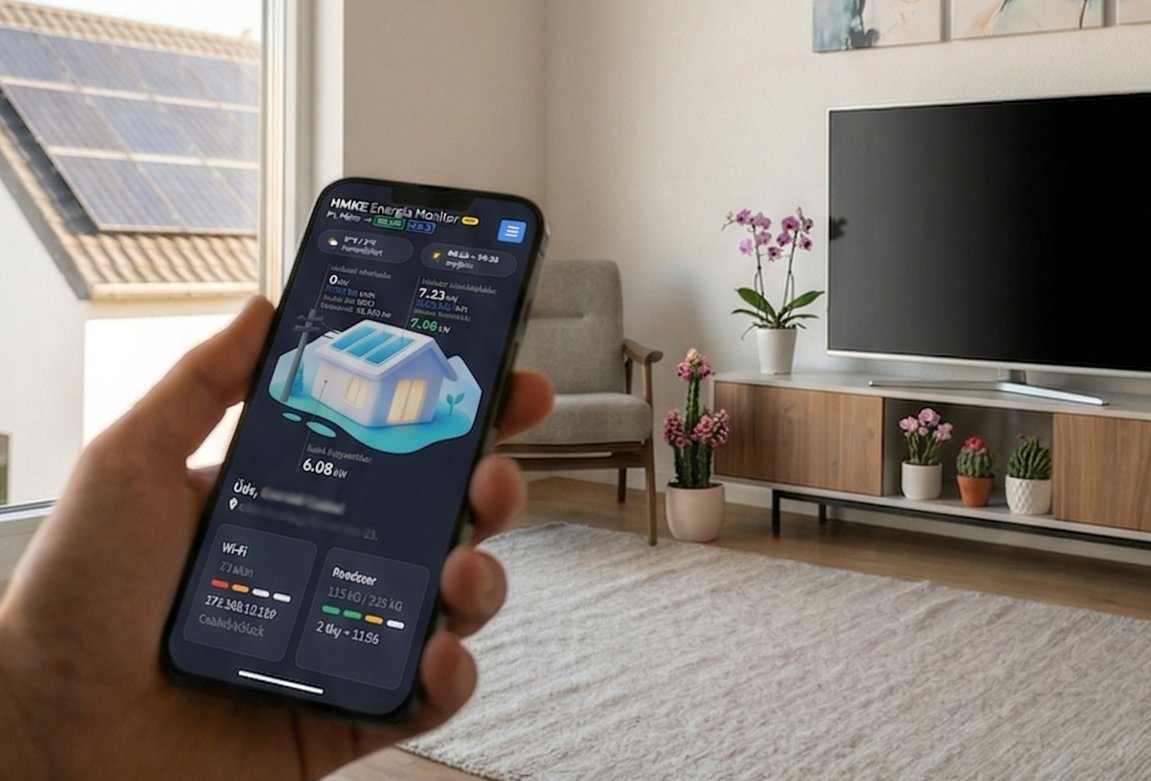 Automation rules allow the ADA P1 Meter to act independently and automatically based on the data it measures — without human intervention.
The logic of the rules is simple: “IF something is true, THEN do something.” For example: “IF the instantaneous consumption is less than 0.5 kW, THEN turn ON the boiler.”
Rules run on the device (the ESP32 microcontroller) — no internet or cloud is needed for operation. Every time a DSMR data packet arrives, all active rules are evaluated.
Structure of a rule
Each rule has a name, condition, timing, and at least one action:
The rule identifier. Short and clear, e.g., “bojler_be”. Spaces are not allowed.
A mathematical expression that returns true or false. E.g.: import < 0.5
How many seconds the condition must continuously hold (hold), and how often it can be repeated (cooldown).
One or more HTTP requests (e.g., Shelly or Inverter command) that run when the condition is met.
Conditions (IF)
The condition structure: variable_name operator value
You can combine multiple conditions. && means AND (both true), || means OR (any true).
Available variables
You can use these variables in conditions (case sensitive):
Comparison operators
| Operator | Meaning | Example | True if... |
|---|---|---|---|
| > | Greater than | import > 2 | import more than 2 kW |
| < | Less than | import < 0.5 | import less than 0.5 kW |
| >= | Greater or equal | time_hm >= 0600 | 6 AM or later |
| <= | Less or equal | time_hm <= 2200 | 10 PM or earlier |
| == | Exactly equal | tariff == 1 | the tariff is exactly 1 |
| != | Not equal | tariff != 2 | the tariff is anything but 2 |
⏱️ Timing and repetition
The condition must continuously be true for this duration before triggering. If it breaks, the timer resets.
If enabled, the action can run repeatedly while the condition is true. If disabled, it runs only once.
For repeated runs, the cooldown time between actions in seconds (e.g., 600 s = 10 minutes).
Hold for: 300 (5 minutes)
It switches on only if the consumption stays low continuously for 5 minutes.
⚡ Actions (THEN)
An action is an HTTP request sent by ADA P1 to your local WiFi network.
☀️ Inverter control
If an inverter is connected to the device, you can use the following commands to control feed-in:
| Command template | What does it do? | When to use? |
|---|---|---|
| Inverter PROD | Allows maximum production | If no restrictions are needed |
| Inverter NOPROD | Disable production (0%) | If feed-in is forbidden (e.g., at night) |
| Inverter AUTO | Automatic P1 control | ADA P1 itself maintains the limit |
| Inverter EMPTY | Battery charging priority | If you want to charge the battery first |
Practical examples
Condition: import < 0.3 && time_hm > 0800 && time_hm < 1700
Hold for: 120 (2 minutes)
If between 8 AM and 5 PM consumption is low for 2 minutes, the boiler turns on.
Condition: time_hm >= 2200
Stops production at 10 PM.
Condition: import > 5 && time_hm >= 1700 && time_hm <= 2000
Turns off a large consumer if consumption exceeds 5 kW during peak hours.
Tips and common mistakes
Time runs from 0 to 2359. To bridge midnight (e.g., 23:00-01:00), you need two separate rules.
The total size of the rules can be max. 8192 bytes in device memory.
Before putting the URL into a rule, try it in your browser. If it doesn’t work there, the rule won’t work either.
Customer support: info@greenhess.com | greenhess.com